
Projects help you organize your assessments and conversations in One-Click AI.
There are multiple ways to create a new project. You can visit the Projects page, then click New Project on top of the page; in the popup that appears, enter a name and an optional description.
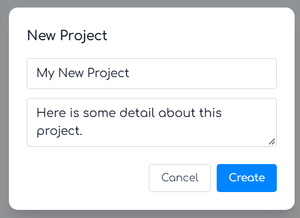
You can also create a new project when viewing an assessment or conversation by selecting the menu labeled Choose a Project, then selecting + New project from the list.