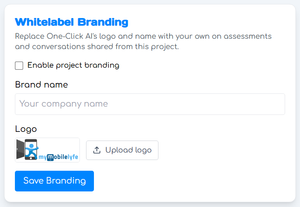
You can replace One-Click AI’s logo and name with project-specific branding on assessments and conversations shared from any of your projects.
First, check the box next to Enable project branding. Then you can enter a name and upload a logo file; click Save Branding to save your changes.