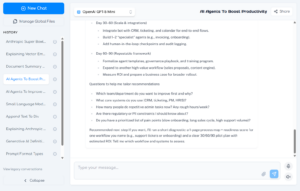
The OC Chat Console is your always-ready virtual AI expert that is trained with MyMobileLyfe’s knowledge and insights on artificial intelligence, automation, and data science.
Click + New Chat to start a new thread in the OC Chat Console. Past conversations will appear on the left side of the window under History.
To chat with OC, enter your prompt in the text box, then click the Send icon. OC will consider its internal knowledge, your Global Files, and any files you uploaded to the conversation, then it will stream a response into the console.
You can continue your conversation as long as you would like, and you can resume your conversation at a later time.
Change the Model for Your Conversation
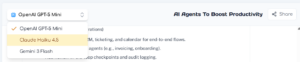
One-Click AI provides integrations with several large language models, allowing you to use your preferred model and experiment with different outputs. Click the menu on the top-left of the OC Chat Console to make your selection.
Share Your Conversation
You can share a read-only version of your conversation with users outside of One-Click AI. Simply click the Share button on the top-right of the console, and the shared link will be copied to your clipboard. The recipient of the link will see the contents of the conversation to the point where you clicked Share.