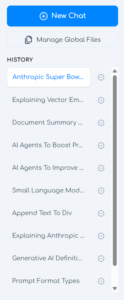
Under the History section, you can view and delete previous OC Chat Console conversations.
Simply click on a previous conversation to load it into the OC Chat Console.
Click the trash can icon next to a previous conversation to delete it. NOTE: this will permanently delete the entire conversation, including any files you uploaded to that conversation, so you will not be able to recover it after removal.