To create your One-Click AI account, start by selecting a plan at https://oc.oneclickai.ai/pricing.
Log in to One-Click AI at https://oc.oneclickai.ai/login. You can log in with your username or the email address you used to create your account.
Reset Your Password
If you forgot your password and would like to set a new one, click Forgot Password? on the login page.
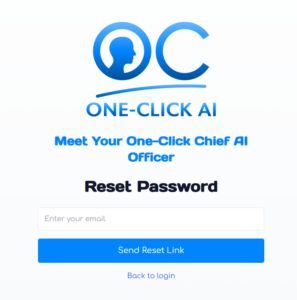
Enter your email address, and if that address matches a registered account, you will receive an email with an authenticated link to reset your password.
Change Your Account Settings
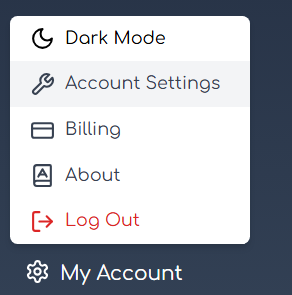
To change settings for your One-Click AI account, go to My Account, then Account Settings.
Change your name, company name, industry, location, and time zone here.